Shakespeare once wrote, “Brevity is the soul of wit,” and in today’s fast-paced world of small businesses, this wisdom has never been more relevant.
Every day, SMB owners juggle content publishing, emails, social media comments, product updates, and client feedback. Content management alone, though, is already a massive headache for most SMB owners due to the amount of effort and time that goes into it, where as much as 30 hours a week go into tedious work of just coming up with the ideas and publishing them.
Here’s the good news though: While a Content Management System (CMS) won’t handle every part of that chaos, it does simplify and streamline the way you manage, organise, and publish your web content.
In this guide, we will explore the top CMS options for SMB owners to get a website up and running fast, coupled with efficient web content publishing features.
Think of it as your digital scribe, organising your web pages and blogs, so you can focus on running your business instead of juggling multiple platforms.
In fact, nearly all small businesses now use some form of digital technology, yet many struggle to manage it efficiently. CMS platforms alone power 68.7% of websites in 2025, highlighting their essential role in keeping content organised, accessible, and effective.
What Is a Content Management System (CMS)?

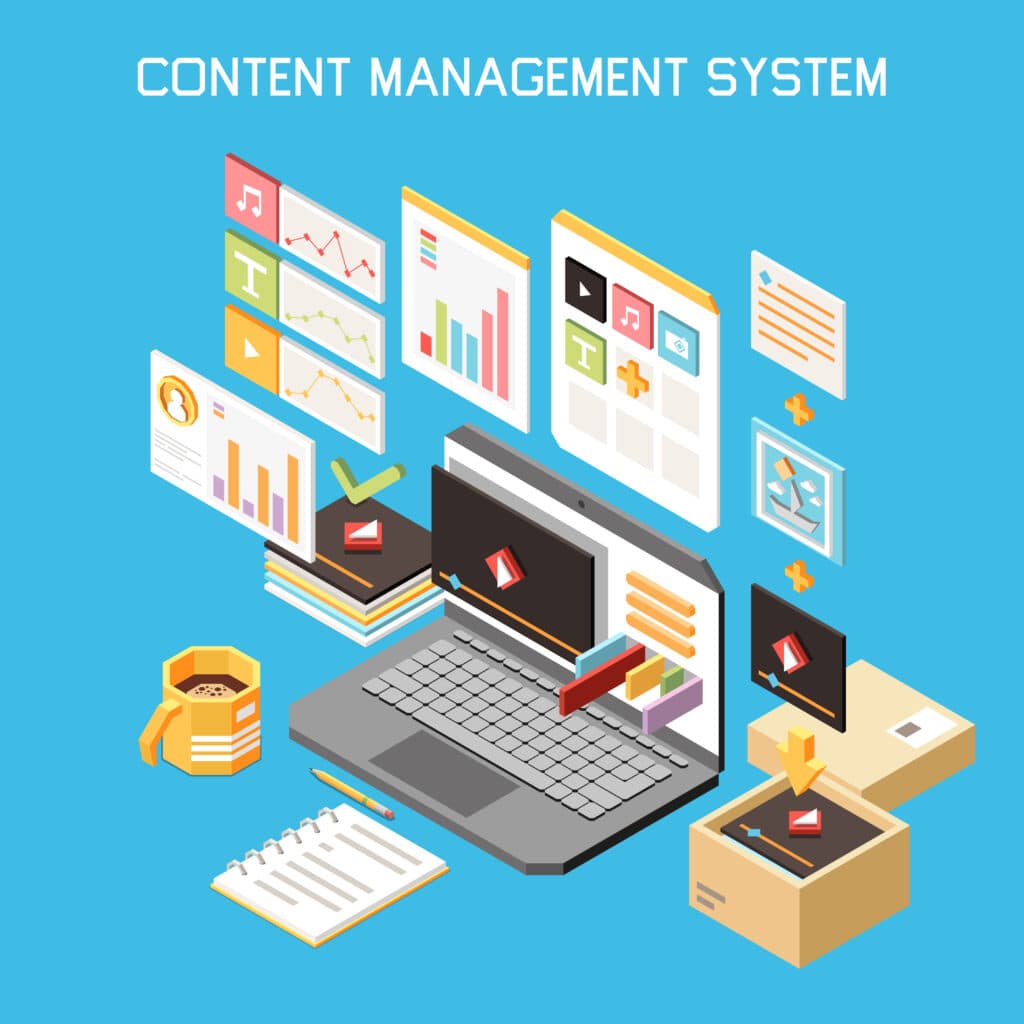
A CMS is software that allows you to create, edit, manage, and publish digital content on your website without needing a degree in computer science.
Instead of manually coding pages or relying on a developer for every update, a CMS provides an intuitive dashboard where you can easily upload images, update text, schedule posts, and even optimise your content for search engines, all in one place. It’s designed to simplify the technical side of website management so you can focus on running your business.
Imagine trying to write a letter with a quill while your clients are waiting to be buzzed in. A CMS gives you the modern equivalent of a ready-to-use typewriter, letting you craft, publish, and tweak your content smoothly.
For many SMBs, this is more than a convenience, it’s essential. You might recall a morning when an important blog post went live with incorrect information, or you accidentally left out a few details, and by the time the mistake was spotted, the damage was done.
That’s because as your business grows, so does your content ecosystem. With multiple people handling updates or promotions across different pages, without a structured system in place, inconsistencies and errors would happen. And all of these will affect your brand’s credibility.
A reliable CMS helps prevent such mishaps by offering version control, scheduling tools, and collaboration features so your team can review, approve, and adjust content efficiently.
Key Features SMBs Should Look For in a CMS
When choosing a CMS, small business owners need more than just a fancy dashboard. They need features that address real pain points:
- Ease of use: If you dread logging in because the system feels like a maze, it defeats the purpose. Drag-and-drop editors and simple interfaces save precious hours.
- SEO and analytics tools: Your content is only as effective as the audience it reaches. Built-in or plugin-based SEO suggestions, keyword tracking, and analytics help ensure your posts are discoverable and reach a wider audience.
- Flexibility and scalability: Your CMS should grow with your business. You do not want to switch platforms every year because your needs outgrew the software.
- Collaboration tools: Whether you are answering client emails or making last-minute blog edits, the ability to work seamlessly with team members is important.
- Security and updates: Nothing undermines trust faster than a hacked website. Automatic updates and strong security protocols are non-negotiable.
Think of these features as the quiet support beams in a busy office: often unnoticed, yet essential to keeping everything running smoothly.
Top Content Management Tools for SMBs (with Pros & Cons)
Here are some CMS platforms that frequently appear in discussions among SMB owners, with real-world observations:
- Pros: Highly customisable, vast plugin library, large community support.
- Cons: Can feel overwhelming for beginners, maintenance required.
- Use case: Many small business owners find themselves tangled in plugins initially but discover the platform’s flexibility invaluable for running blogs, shops and landing pages all under one roof.
- Pros: Very intuitive drag-and-drop interface, quick to set up.
- Cons: Less flexible for large-scale customisation.
- Use case: Ideal for businesses that need a website fast, like a café opening in two weeks and needing menus, booking forms and social integration online immediately.
- Pros: E-commerce focused, excellent payment gateways, reliable hosting.
- Cons: Monthly fees can add up, limited non-commerce flexibility.
- Use case: Entrepreneurs selling handmade jewellery or speciality foods online find Shopify invaluable because it reduces the friction of setting up an online store while keeping operations smooth.
Comparison Table
This table is a snapshot, but consider it like a map before a journey: it tells you where to start, though the terrain may still have unexpected twists.
| CMS | Best For | Ease of Use | SEO Tools | Collaboration | Cost |
| WordPress | Blogs, e-commerce, multi-functional (i.e. e-learning portal, membership portal) | Medium | Excellent (With plugins) | High | Low-medium |
| Wix | Quick sites, small stores | High | Good | Medium | Medium |
| Shopify | E-commerce stores | Medium | Excellent | High | Medium-high |
- Ease of Use: “High” = very beginner-friendly; “Medium” = some learning curve.
- SEO Tools: “Excellent” = comprehensive SEO functionality built-in or via easy plugins; “Good” = basic SEO features, may need add-ons.
- Collaboration: “High” = strong built-in multi-user and workflow collaboration; “Medium” = basic team access or requires plugins/add-ons for full collaboration.
- Cost: “Low” = minimal fees or free (self-hosted); “Medium” = moderate subscription or hosting fees; “Medium–High” = higher subscription or hosting fees for full functionality.
How to Choose the Right CMS for Your Business
Choosing a CMS is not just about features; it is about daily life and workflow. Ask yourself:
- How much time can you dedicate to learning a new system?
- Are your priorities content-rich blogs, online sales or portfolios?
- How many people will use the system and how do they collaborate?
- How do you plan to measure success: traffic, leads, engagement?
In practice, the right CMS is often the one that blends seamlessly with your routine.
Managing Digital Content Beyond Websites
While a CMS is great for publishing and managing content on your website, it often falls short when it comes to handling social media.
For SMB owners who want to manage both website and social content seamlessly, Polareis fills that gap. With integration capabilities for WordPress, Polareis allows you to plan, publish, and monitor content across social channels and your website, all in one place.
This not only saves time from switching between multiple tools, but also helps you build a more cohesive and effective content marketing strategy.
Conclusion
In a world where digital presence dictates business growth, a CMS is no longer optional for SMBs starting out.
It is the unseen but indispensable tool that keeps daily operations organised, improves team collaboration, and makes your digital content marketing tools work harder for you.
The key takeaway is to match a CMS to your daily experience, making your web content easier to manage, more visible, and ultimately more effective.
Frequently Asked Questions (FAQs)
Q:What does it mean by content management system?
A:A CMS is software that helps you organise, create, and publish digital content. For example, it allows you to manage blogs, social posts, and product pages all in one place without needing technical expertise. It keeps your content marketing tools working efficiently.
Q:What is an example of a content management system?
A:Imagine a small bakery updating its website to announce a new pastry, or a freelance designer posting a portfolio update. A CMS lets these users publish information quickly and accurately, ensuring nothing is forgotten and their audience always sees the latest content. This is how top content management systems help in real-world business.
Q:What are the 3 main types of content management systems?
A:They are:
- Web Content Management Systems: For websites and blogs.
- Enterprise Content Management Systems: For large-scale business document handling.
- Digital Asset Management Systems: Focused on storing images, videos and digital files efficiently.
Q:What are the different types of content management systems?
A:Businesses can adopt open platforms that allow extensive customisation, hosted platforms for simplicity and ease of maintenance, or specialised systems that focus on commerce, design, or collaboration. Each type serves real-life needs depending on workflow, content type, and business goals. These are some examples of top content management systems for SMBs.
Q:What is the difference between CRM and CMS?
A:A CRM (Customer Relationship Management) system handles client interactions and sales pipelines. A CMS organises and delivers your digital content. CRM is like your personal memory for client conversations, while CMS is your library and publishing desk.
Q:What is the best CMS for beginners?
A:For beginners, an intuitive CMS that allows fast content creation with minimal technical setup is ideal. The focus should be on writing, editing, and publishing efficiently while learning advanced features gradually. These are considered top content management systems for SMBs starting out.